
Features Showcase
Explore the powerful features that make budgeting effortless
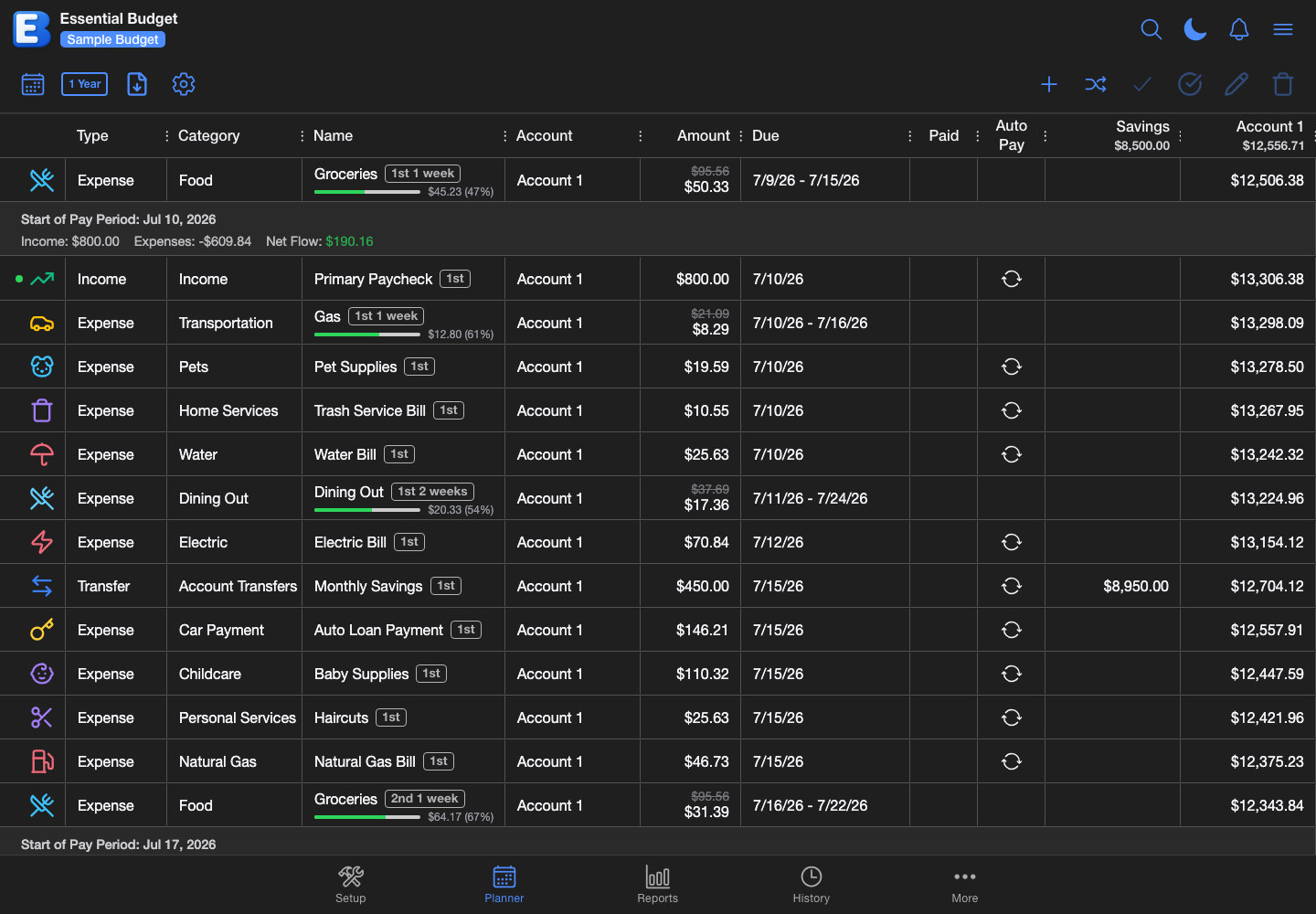
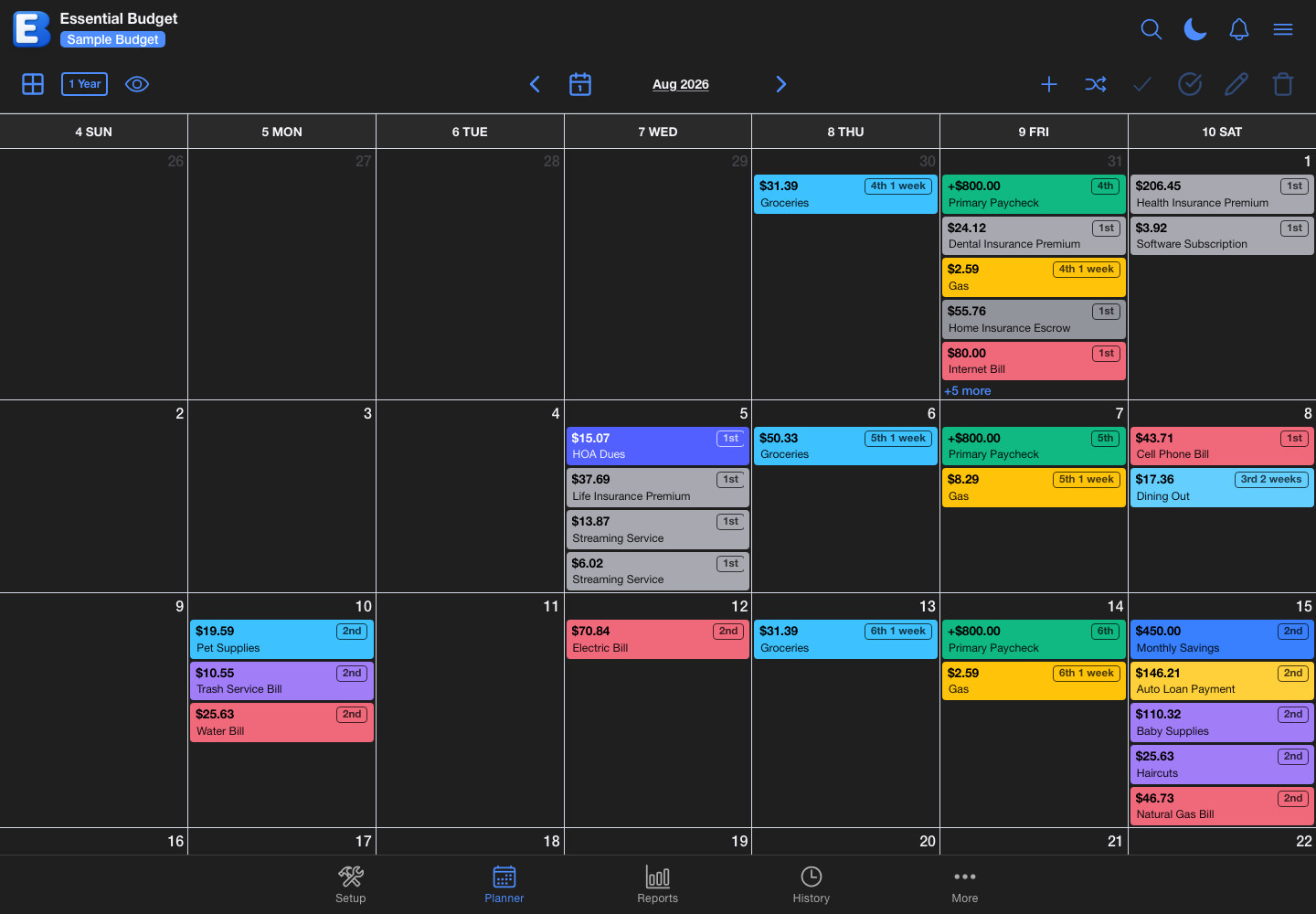
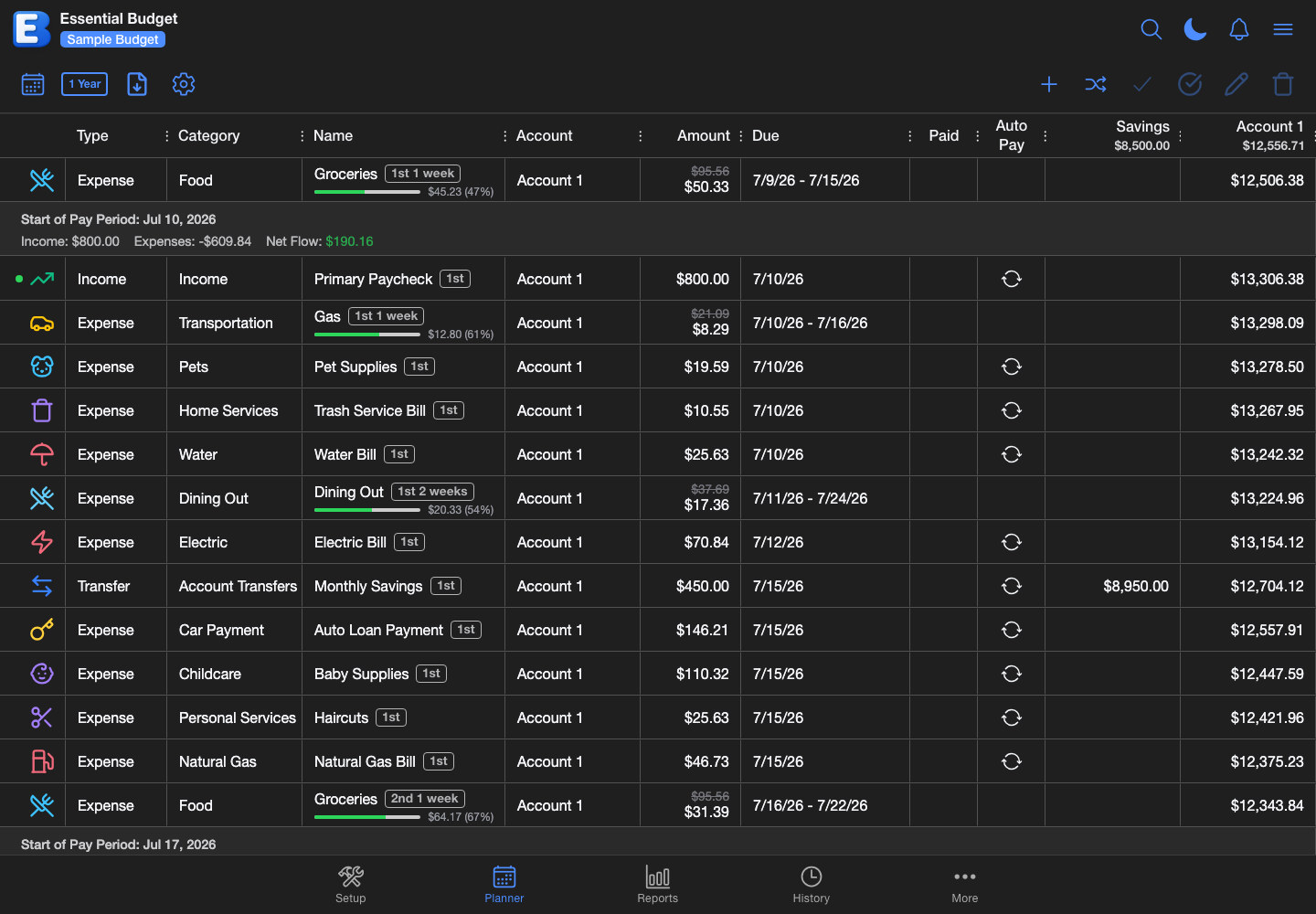
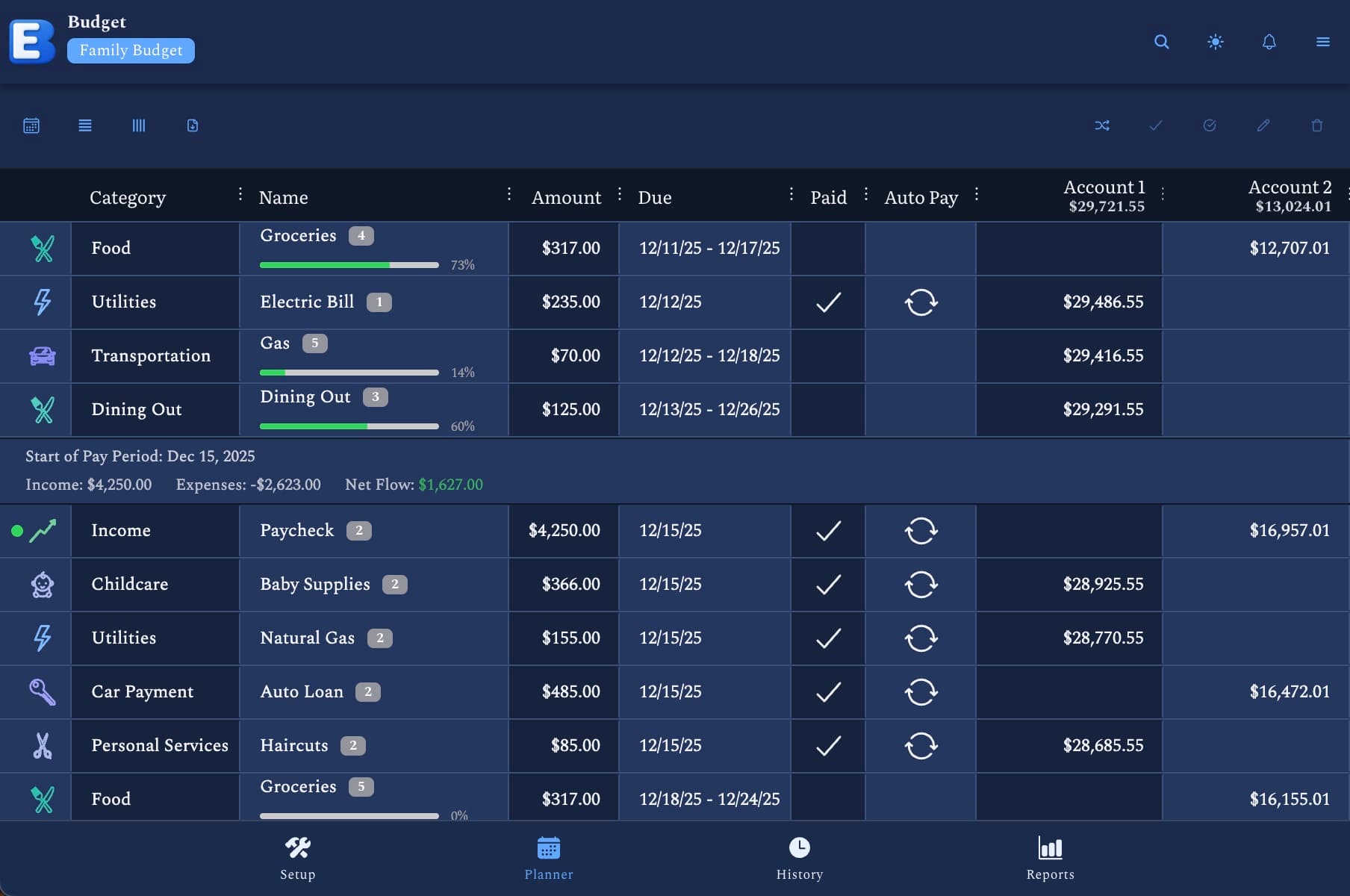
Planner: Grid View
Organize and manage your budget flows in a clear grid view. Easily reschedule with interactive drag-and-drop
Explore Our Features
Click any card to learn more and watch a quick demo

Dynamic Charting
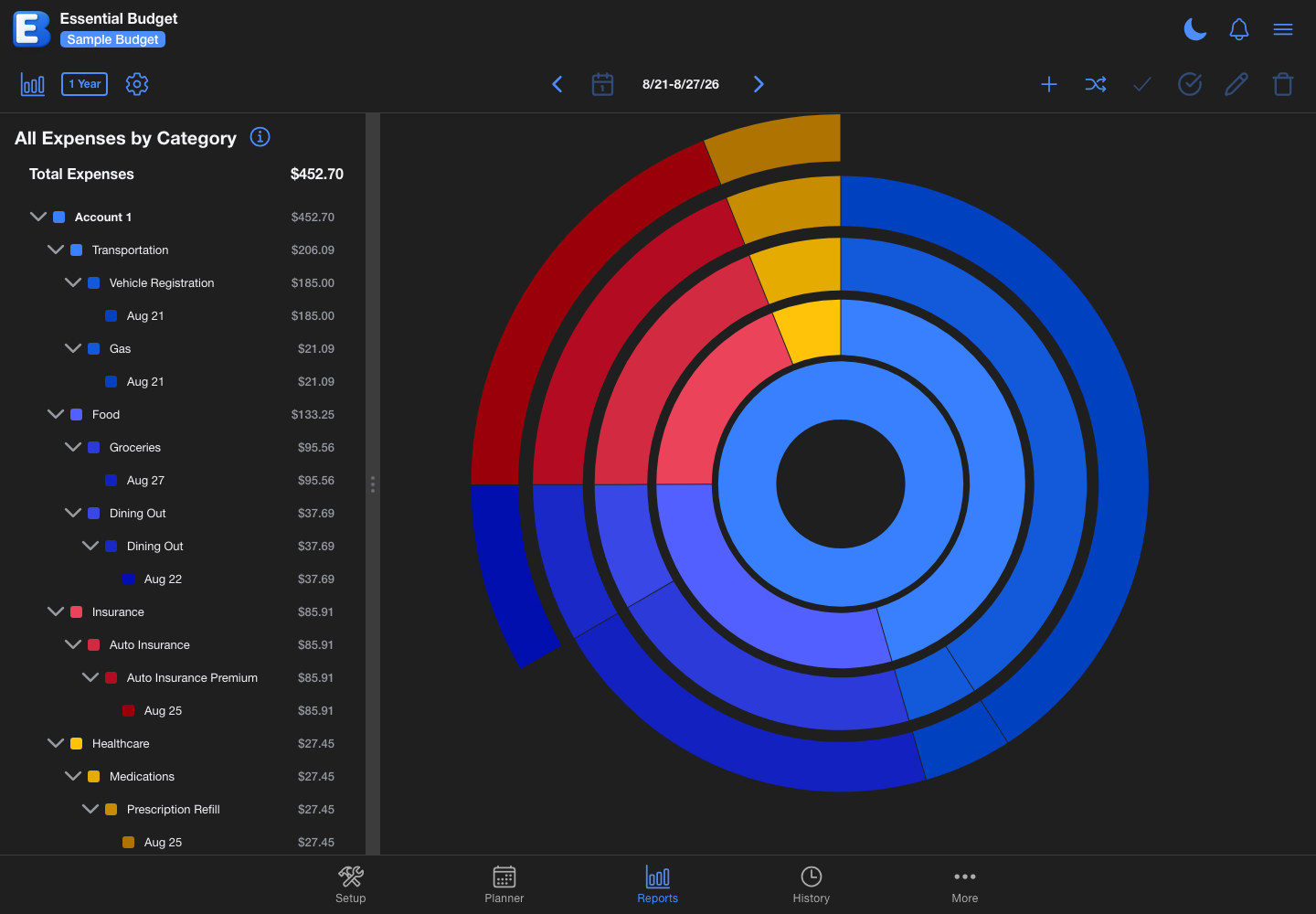
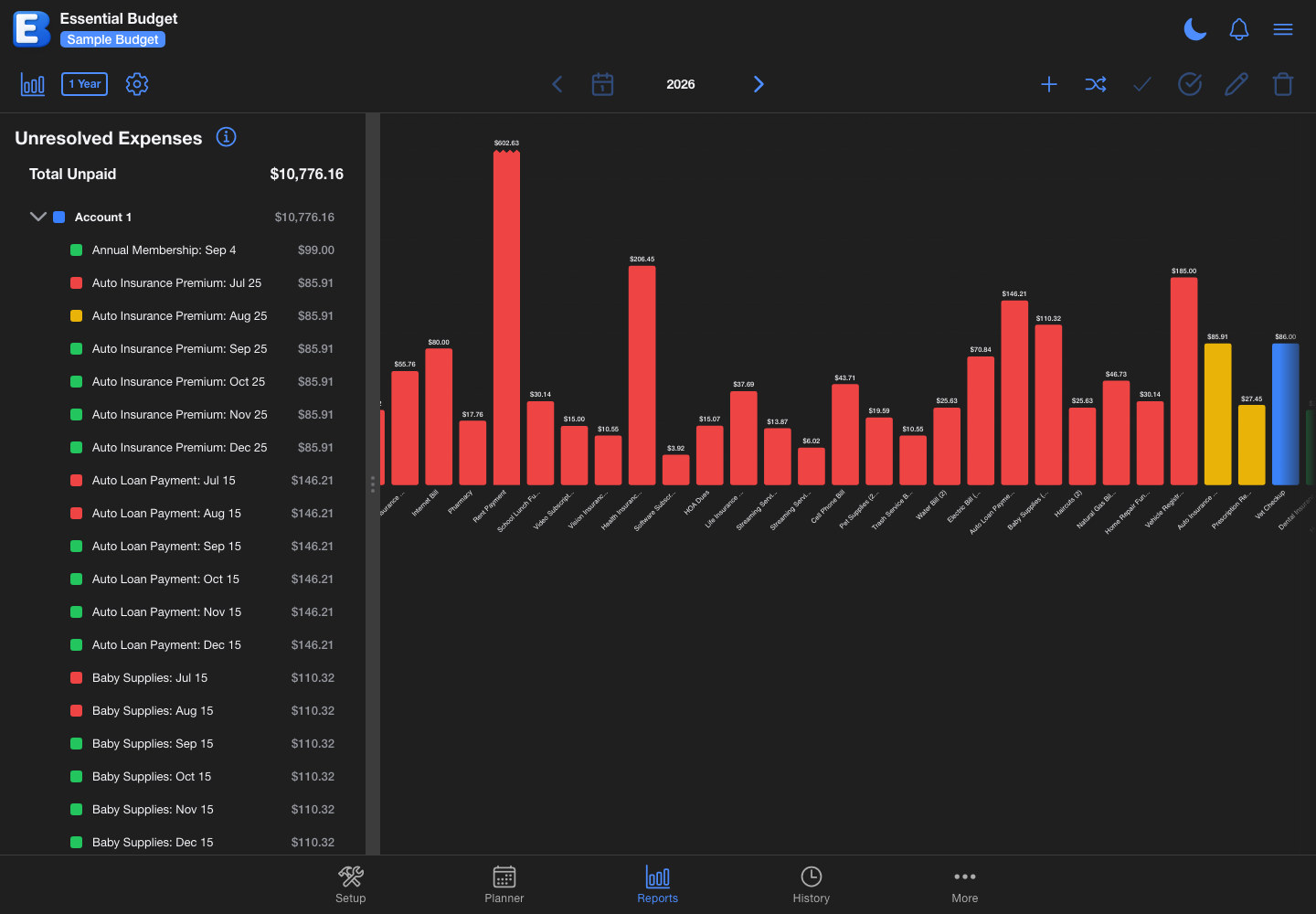
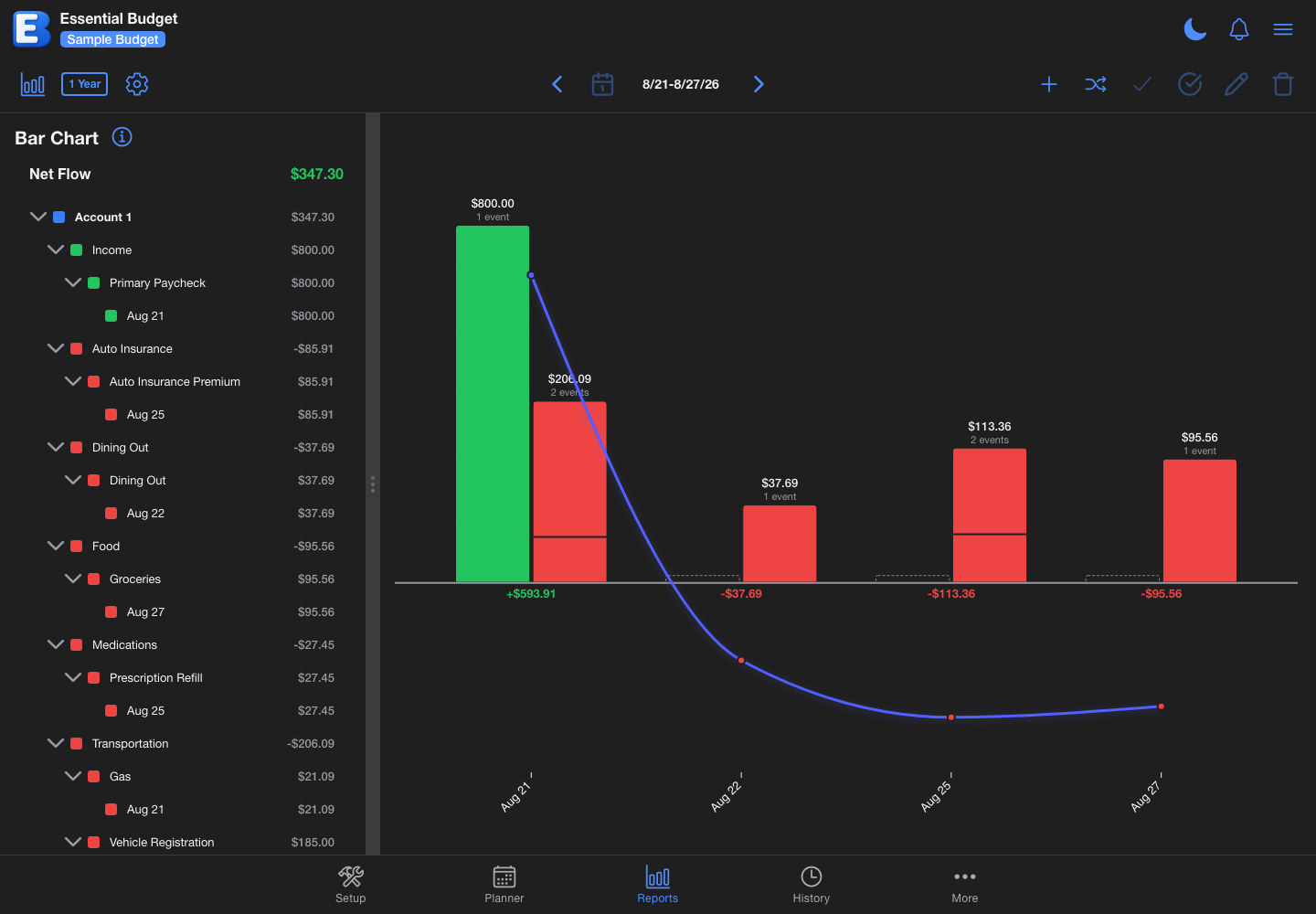
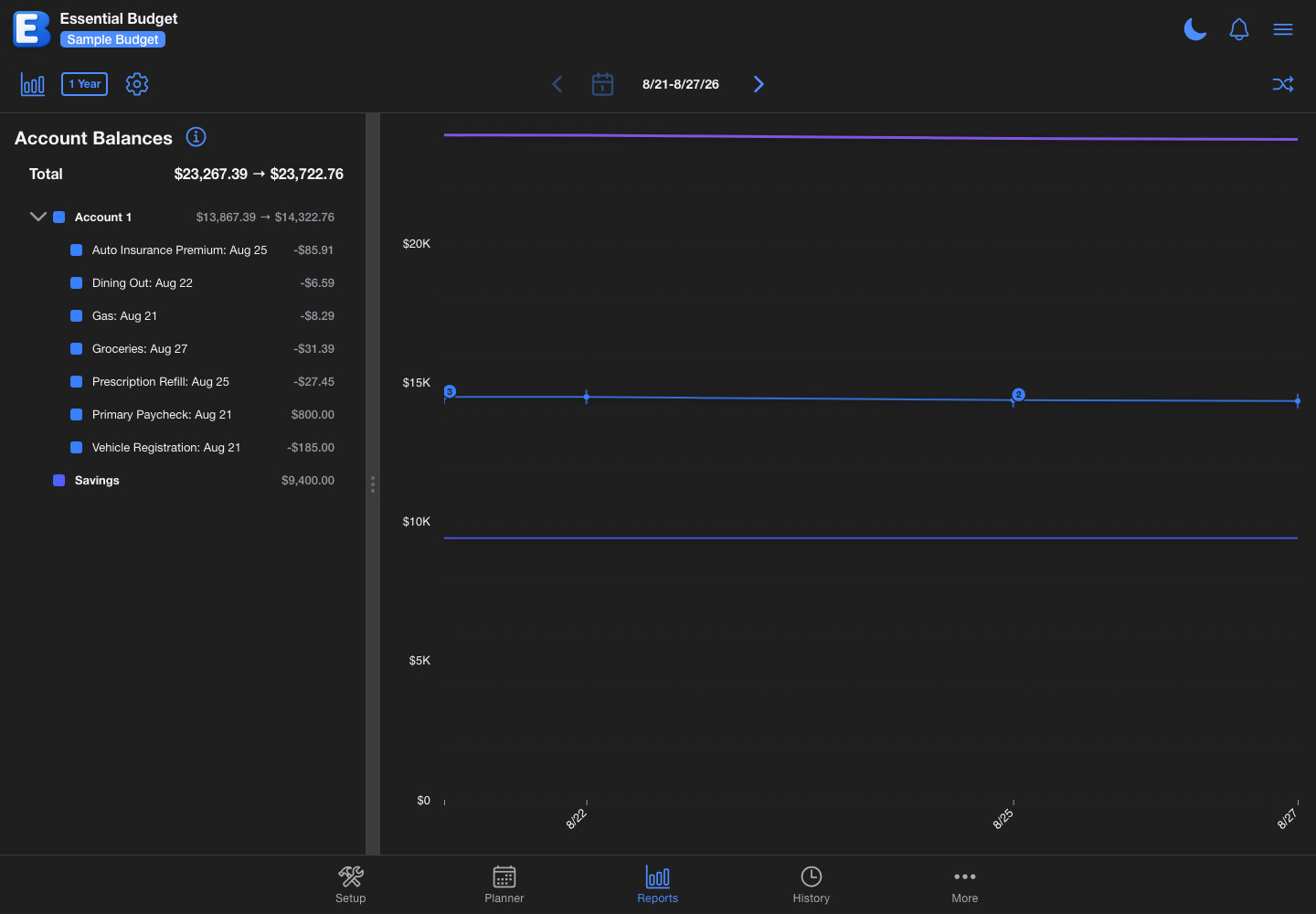
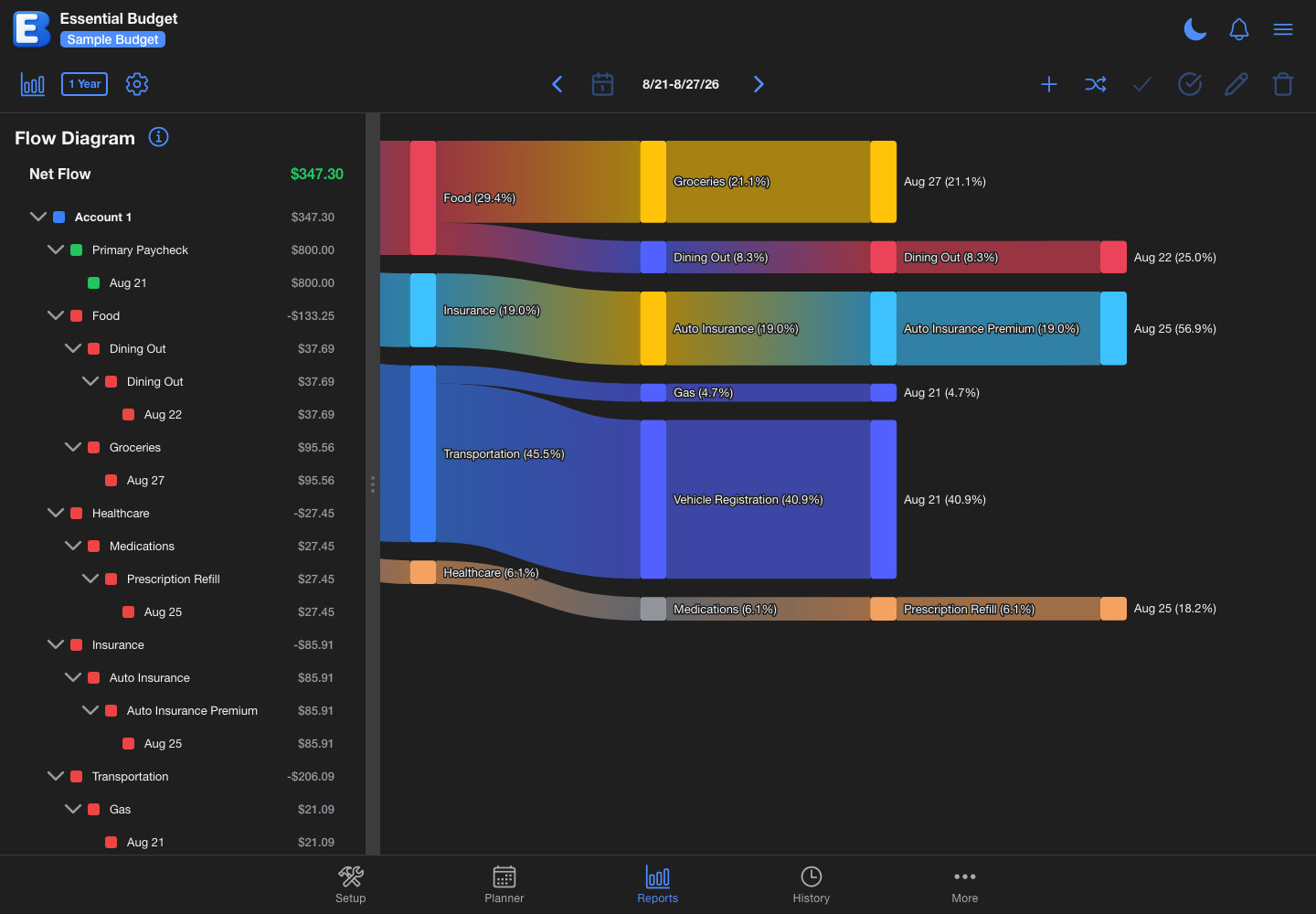
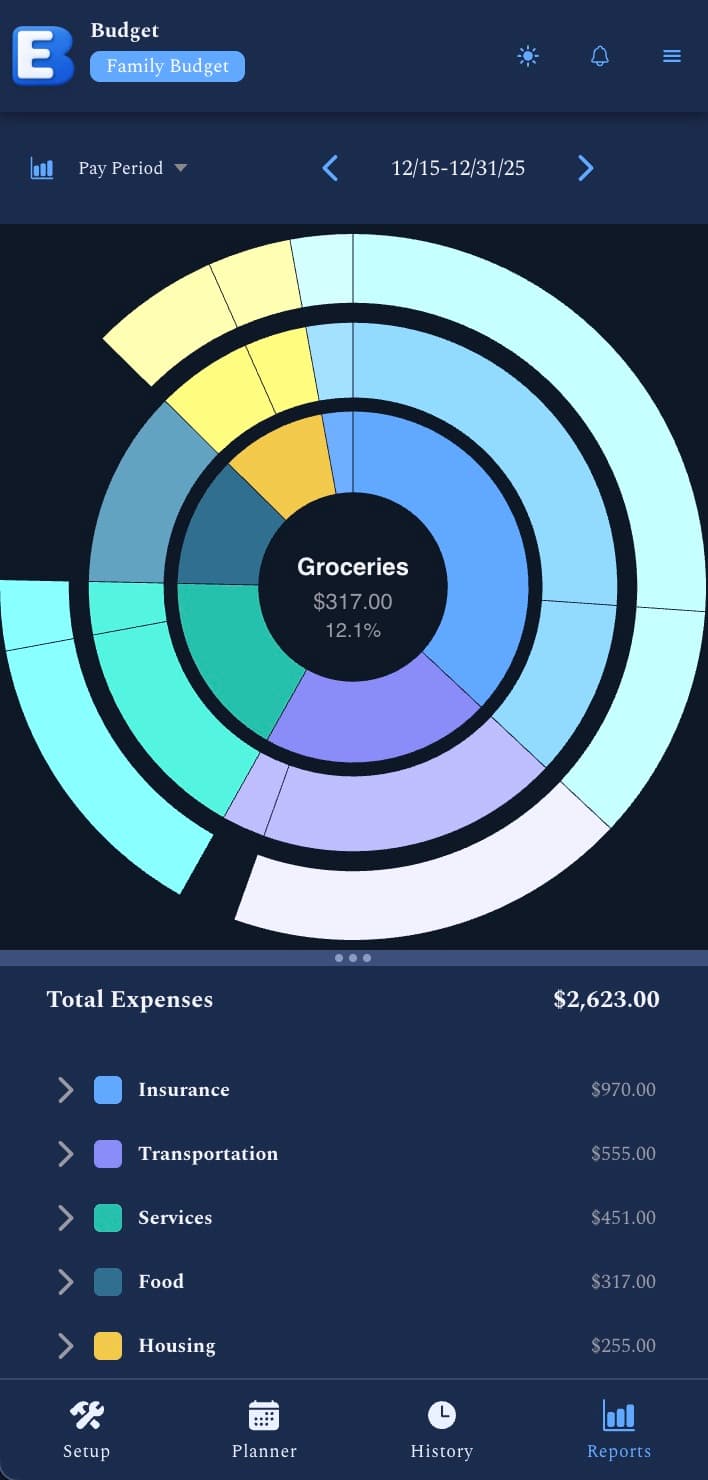
Visualize your budget with powerful, interactive charts and insights to understand spending patterns and make better financial decisions.

Drag-and-Drop Planner
Organize your budget with intuitive drag-and-drop in both grid and calendar views. Easily reschedule events and visualize your financial timeline.

Sync Across All Devices
Access your budget from any device - desktop, tablet, or mobile. Everything stays perfectly synchronized in real-time.

Budget Planner Exports
Export your budget data to CSV or Excel formats. Share your financial plans with family, advisors, or print them for offline reference.

Backup & Restore
Protect your financial data with complete JSON backups. Save your budgets locally and restore them anytime with a single click.

Theming
Personalize your budgets with custom themes. Use integrated AI or manually craft a color palette to give each budget a unique look that matches your style.

Icon Creation
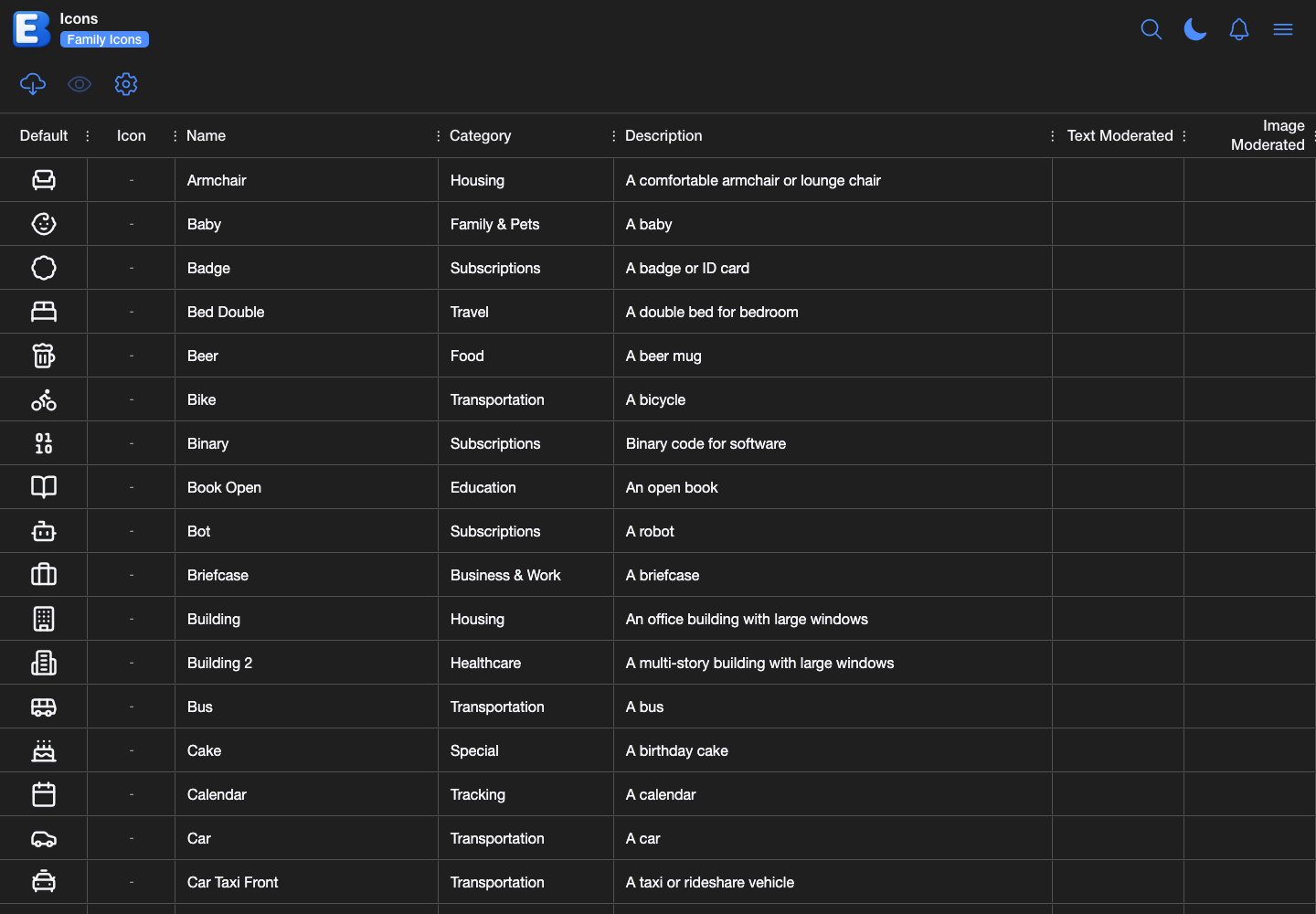
Generate beautiful icons with our custom icon generator. Create individual icons or complete icon sets in any style to personalize your budget categories.
Premium Only
Receipt-Based Budgeting
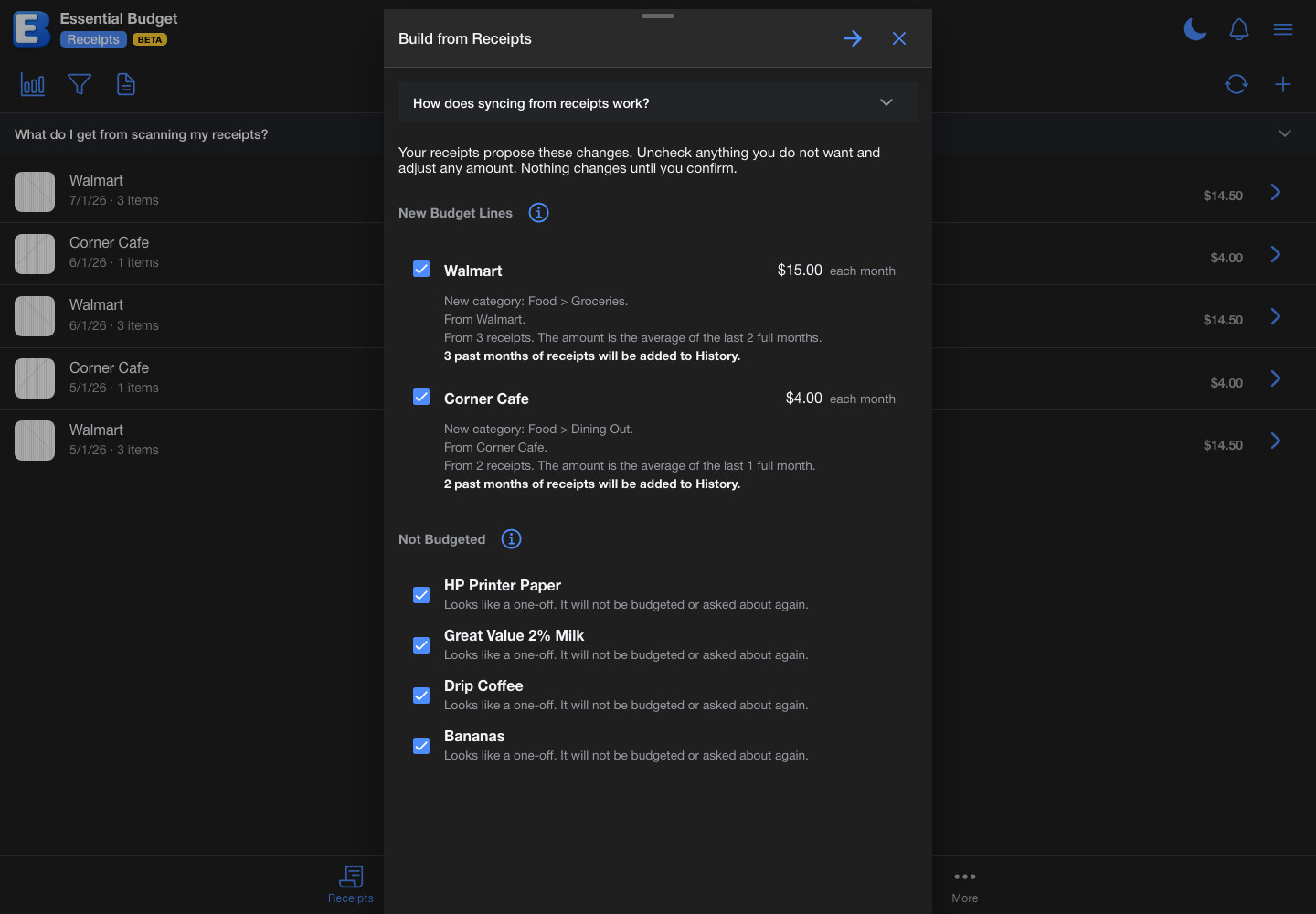
Scan receipts as you shop and build your budget from them. One button reads what you actually paid, proposes budget lines with the rhythm and amount your own spending shows, and fills in the months you already covered.
Premium Only
Shared Budgets with Permissions
Share your budget privately with up to 5 people with varying permission levels. Collaborate with family or team members seamlessly.

Public Budget Creation
Create public budgets that anyone can access for free with a link. Perfect for sharing templates, examples, or educational budget models with the community.

Integrated AI
AI budget creation and transaction matching built directly into the app. Upload transactions and let our AI automatically analyze and create your budget behind the scenes.

Bank Account Linking
Connect your bank accounts directly to Essential Budget. Automatically sync transactions and account balances for seamless budget creation and transaction matching.
Pricing
We only charge for Premium features that incur significant costs, like integrated AI processing. We aim to keep features free whenever we can. Free plan available with no trial period.
Plans
Free
- Drag-and-Drop Planner with Grid & Calendar Views
- Create up to 3 budgets per month (manual)
- Theming (manual)
- 10 receipt scans, included at sign-up with reports, shopping lists, and recipes
- Export to CSV or Excel
- Dynamic Charts by Period and Date Range
- Real-Time Updates
- Up to 5 years of transaction history
Premium
- All Free features included
- Create up to 10 budgets per month
- 500 AI credits every month
- Bank Account Linking with Plaid
- AI Budget Generation and Transaction Matching
- AI Receipt scanning with no fixed count
- AI Receipt-Based Budgeting: build a budget from your receipts
- Optimized Shopping Lists: cheapest store, rebuy suggestions, and pricing that improves as you scan
- Shared Budgets with up to 5 people
- Public Budget Creation
- AI Theming with publishing
- Recipe photos, up to 10 per recipe
- 10 community icon set downloads per month
One-Time Purchases
500 AI Credits
| Credits | Price | |
|---|---|---|
| 500 | $6.99 |
+ applicable tax
- Keep scanning and syncing when your monthly credits run out
- Your included monthly credits are always spent first
- Purchased credits never expire
- Premium plan required
Icon Generation Credits
| Credits | Price | |
|---|---|---|
| 100 | $12.99 | |
| 250 | $29.25 | Save 10% |
| 500 | $55.25 | Save 15% |
| 1000 | $104.00 | Save 20% |
+ applicable tax
- Download icons as ZIP for personal and commercial use
- Publish generated icons to community (CC0)
- Works with Free or Premium plans
- 1-3 credits per icon (Fast: 1, Standard: 2, High: 3)
- Credits expire after 90 days
Billing & Cancellation
Essential Budget Premium is $11.99/month and is billed by Paddle, our Merchant of Record. Your subscription renews automatically each month unless you cancel. You can cancel any time in your account settings, and you'll keep Premium access until the end of the current billing period. We don't offer partial refunds for unused time, except in cases of billing error, service access issues on our side, or where required by law. For complete details, see our Billing Policy. Plans, features, and limits are subject to change.
Start Using Essential Budget
Choose your platform and begin your budgeting journey today
Mobile Application
Access Essential Budget on your Android or iPhone using our Progressive Web App. Install it directly from your browser for a native app experience.
Learn HowFrequently Asked Questions
A premium plan is available for features that incur significant costs. Most features are completely free.
A premium plan is available with integrated AI and other cost-intensive features. This creates a sustainable model where everyone benefits from our powerful budgeting tools.
Our interactive planner offers grid and calendar views with drag-and-drop functionality. Adjust your budget by simply moving events around. Interactive dynamic charts let you visualize and budget from your favorite view. See your finances by pay period to plan when bills are due relative to when you get paid.
With our premium plan, you can create public budgets to transparently share what you're doing in real time using a simple link. Perfect for content creators and financial coaches. Plus, you can privately share budgets with up to 5 people and control who can view or edit.
You can also install the app directly to your phone's home screen from your browser in just a few taps:
Learn how to install on mobile
Web Version: Use our budgeting tool atmy.eb.app on any device - desktop, tablet, or mobile. It's designed to work seamlessly across all your devices with automatic syncing.
PWA App: Install Essential Budget directly to your home screen on iOS or Android using our Progressive Web App. No app store required.
Learn how to install on mobile
All versions keep your budget data in sync across all your devices, so you can switch between them as needed. Premium features including integrated AI budget creation and transaction matching are available for $11.99/month through either web or in-app subscription.
- Drag-and-Drop Planner with Grid & Calendar Views
- Create up to 3 budgets per month (manual)
- Theming (manual)
- 10 receipt scans, included at sign-up with reports, shopping lists, and recipes
- Export to CSV or Excel
- Dynamic Charts by Period and Date Range
- Real-Time Updates
- Up to 5 years of transaction history
- All Free features included
- Create up to 10 budgets per month
- 500 AI credits every month
- Bank Account Linking with Plaid
- AI Budget Generation and Transaction Matching
- AI Receipt scanning with no fixed count
- AI Receipt-Based Budgeting: build a budget from your receipts
- Optimized Shopping Lists: cheapest store, rebuy suggestions, and pricing that improves as you scan
- Shared Budgets with up to 5 people
- Public Budget Creation
- AI Theming with publishing
- Recipe photos, up to 10 per recipe
- 10 community icon set downloads per month
Check out new features coming soon on our Roadmap.
Most users find the tool intuitive and get started easily.
Video guides are available on our feature pages. Click the feature cards to watch them. More guides coming soon!
Contact Us
Support & Feedback
Get SupportBilling Inquiries
billing@eb.appEB App LLC
30 N Gould St #52260
Sheridan, WY 82801